
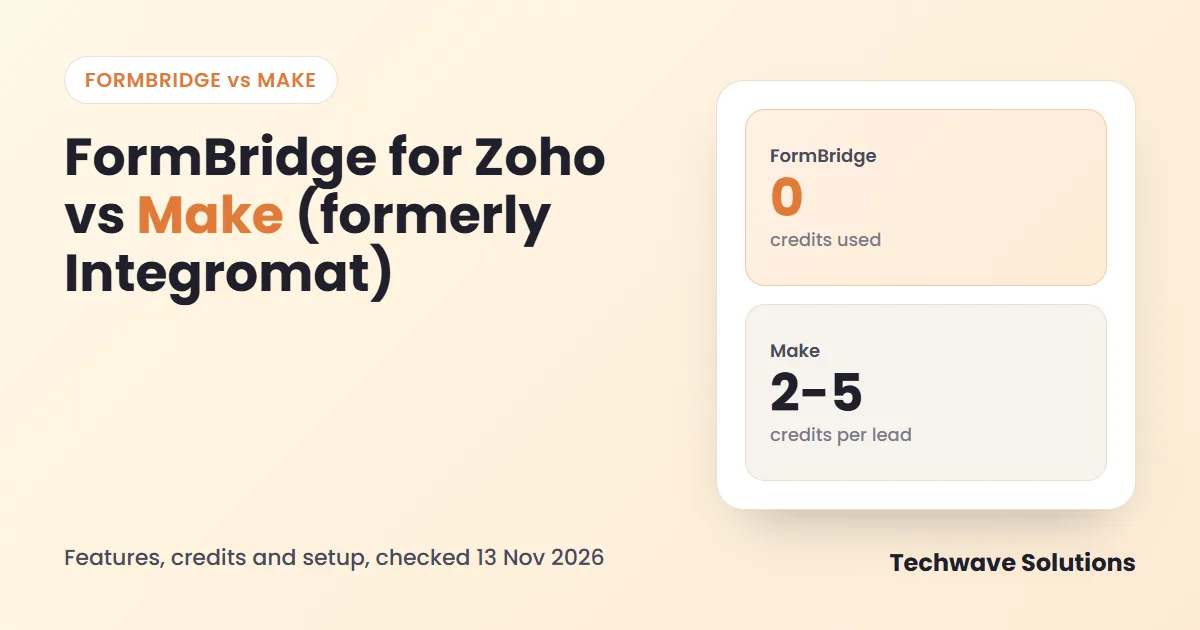
FormBridge for Zoho vs Make is a comparison between a focused WordPress plugin and a visual automation platform, formerly known as Integromat. Both can put form submissions into Zoho. They differ in how much you build, how usage is metered and how many moving parts you must maintain.
Quick answer: FormBridge for Zoho vs Make
WordPress form to Zoho, fast setup, no credit meter.
Complex scenarios with routers, loops and many apps.
FormBridge: free plugin. Make: credits used by every module run.
FormBridge Pro webhook can feed a Make scenario.
What Make is, and what FormBridge is
Make, formerly Integromat, lets you draw automations on a canvas. A scenario starts with a trigger module, passes data through other modules, and can branch with routers or repeat with iterators. It is very flexible, and flexibility comes with more to design and test.
FormBridge for Zoho is a WordPress plugin. You choose a form, choose a Zoho app and module, and map the fields. It does not try to be a general automation platform.
Credits and cost: how usage adds up
Make lists a free plan with 1,000 credits per month, and paid plans that start at roughly $9 per month on annual billing for 10,000 credits, according to the pricing pages and reviews we checked. Make renamed operations to credits, so older articles can mislead. Confirm today’s figures on the Make pricing page.
Each module run normally uses one credit. That means a longer scenario costs more per lead.
| Scenario design | Modules per lead | Credits per 1,000 leads |
|---|---|---|
| Webhook, then create Zoho lead | 2 | about 2,000 |
| Webhook, find lead, then create or update | 3 | about 3,000 |
| Webhook, find, router, create, Slack alert | 5 | about 5,000 |
TechWave illustration using the one-credit-per-module rule. Real counts depend on your scenario and on Make’s current rules.
FormBridge has no per-submission meter. Pro adds features, not a usage fee, and starts at $5 per month for one site.
Setup steps
FormBridge for Zoho
- Install the plugin.
- Connect your Zoho account (about 3 minutes).
- Pick the form by name.
- Map fields and create the feed.
- Test and check Logs.
Make
- Create a Make account and a scenario.
- Add a webhook or form trigger and send a sample.
- Add a Zoho CRM module and authorise it.
- Map each field from the sample data.
- Add error handling, then switch the scenario on.
Feature comparison
| Need | FormBridge for Zoho | Make |
|---|---|---|
| Built for WordPress forms | Yes, 10 form plugins free | Via webhook or app trigger |
| Zoho apps | CRM, Bigin, Books, Desk, Campaigns, Marketing Automation; more in Pro | Many Zoho modules |
| Update a matching record | Built into the feed | Add search and router modules |
| Visual canvas, routers, loops | No | Yes, its main strength |
| Retries and delivery log | 3 retries, log and resubmit | Scenario history and error handling |
| Usage meter | None | Credits |
| Data stays on your site until Zoho | Yes | Passes through Make |
| Free option | Free plugin | 1,000 credits / month |
Where Make is stronger
Be honest about it: Make is the better tool when a form is only the start. If a lead must be enriched, scored, split by country, written to three systems and posted to a chat channel, a canvas with routers is the right place to build it. A plugin is not meant to replace that.
Which one fits you?
- One form, one Zoho destination: FormBridge for Zoho.
- Several systems and branching logic: Make.
- Strict cost control on high volume: a plugin with no meter is easier to predict.
- Non-technical owner: fewer parts, so FormBridge.
Using them together
FormBridge Pro has a webhook destination that sends form data as JSON, with {{field_id}} and {{all_fields}} placeholders, to any URL, including a Make webhook. So you can keep the Zoho delivery reliable in FormBridge and pass the same submission to Make for the extra steps.
Frequently asked questions
What is Make (formerly Integromat)?
Make is a visual automation platform. In 2022 Integromat was renamed Make. You build scenarios from modules and routers on a canvas, and each run uses credits.
Does Make charge per operation or per credit?
Make now talks about credits, which is the new name for what older articles call operations. Each module run normally uses one credit, so a scenario with many modules uses many credits per run.
Can FormBridge send data to Make?
Yes. FormBridge Pro has a webhook destination that posts form data as JSON to any URL, including a Make webhook.
Is Make cheaper than FormBridge?
For plain WordPress form to Zoho, the FormBridge free plugin costs nothing and has no credit meter. Make has a free plan with 1,000 credits per month, and paid plans scale with credits.
When should I choose Make?
When you need branching, loops or data transformation across many apps. For one clean form-to-Zoho path, a plugin is faster to set up.
Sources
Keep Zoho delivery simple
Try the free FormBridge for Zoho plugin, read the documentation, or ask our integration team to design a larger workflow.