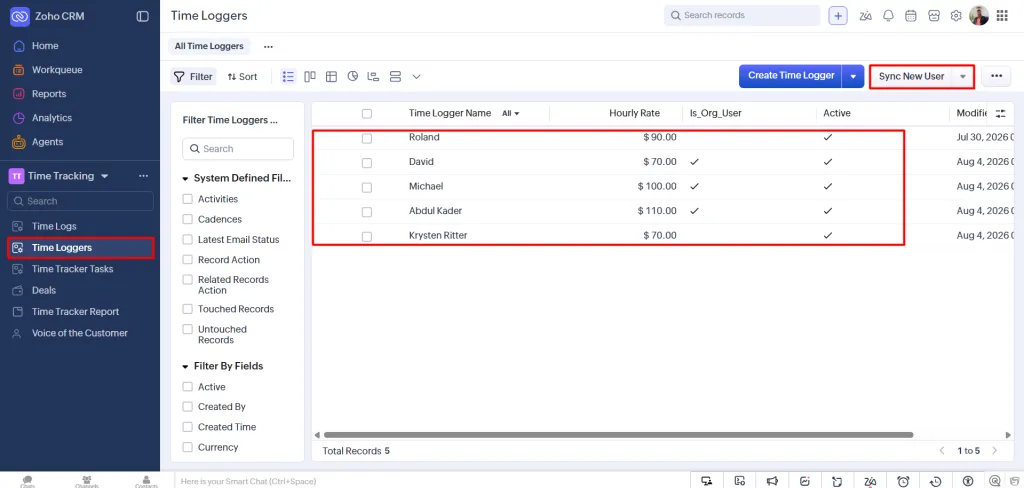
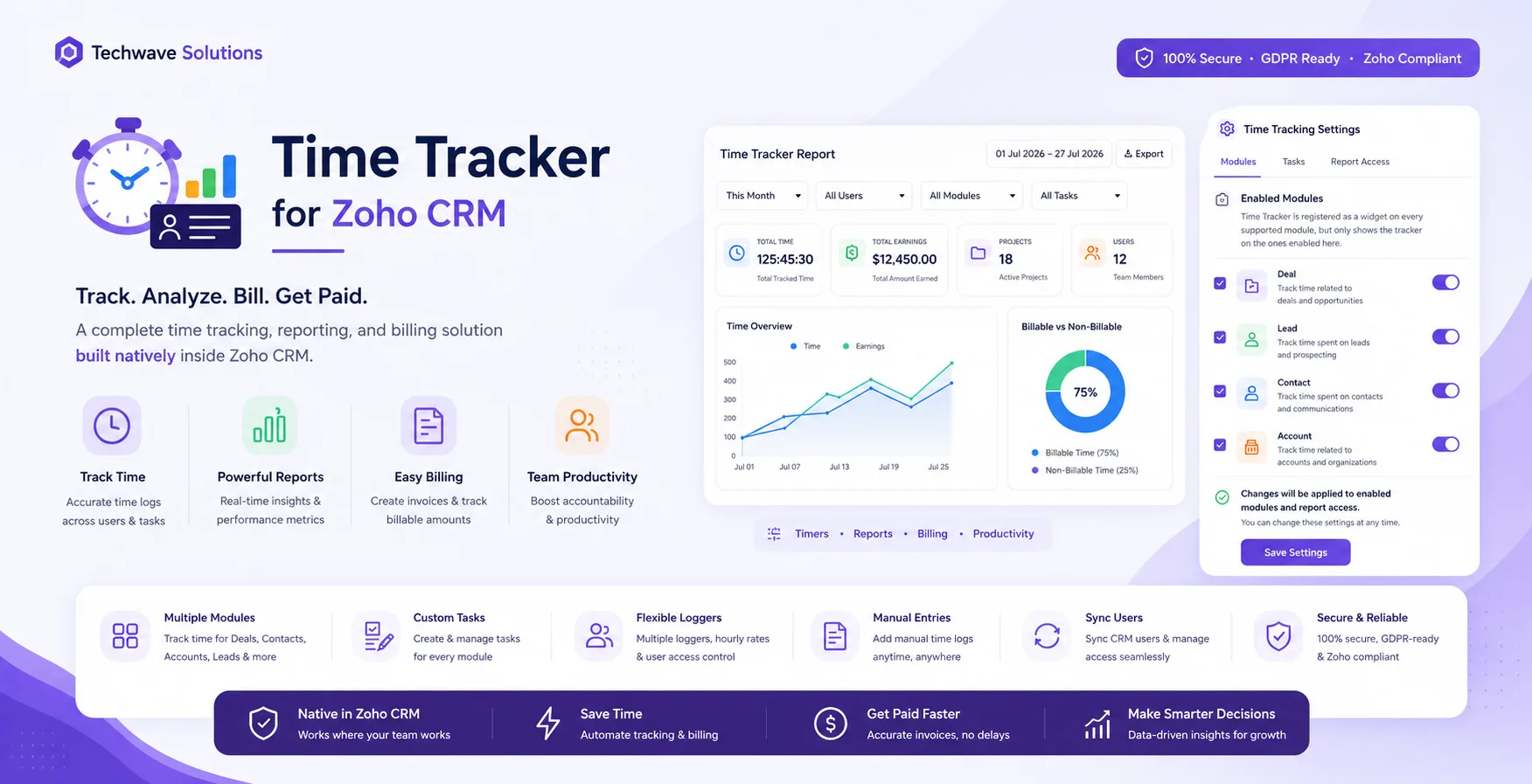
Your team already lives in Zoho CRM. So why is time tracking happening in a spreadsheet, a separate app, or worse — from memory at the end of the week? Time Tracker for Zoho CRM puts a one-click timer on every Deal, Lead, Contact and Account, and turns those minutes into clean, billable reports.
The problem with tracking time outside your CRM
Every services team knows the story. Consultants jump between client calls, configuration work, and internal syncs all day. By Friday, nobody remembers exactly how long the Acme onboarding took — so hours get rounded, under-billed, or quietly written off. The data that should drive your invoices ends up scattered across sticky notes and calendars.
The root cause is simple: the time is spent on CRM records, but it's being logged somewhere else. Every context switch is a chance to forget, mistype, or skip it entirely.
Meet Time Tracker for Zoho CRM
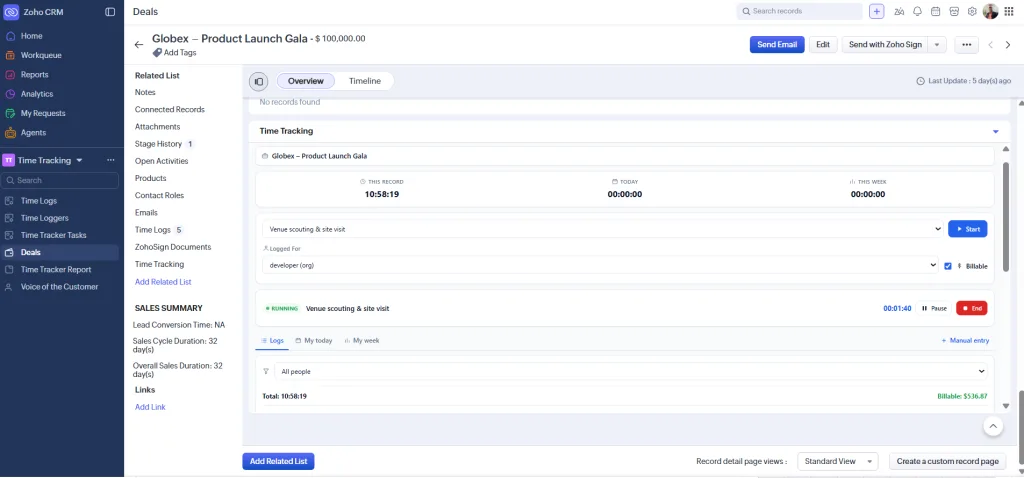
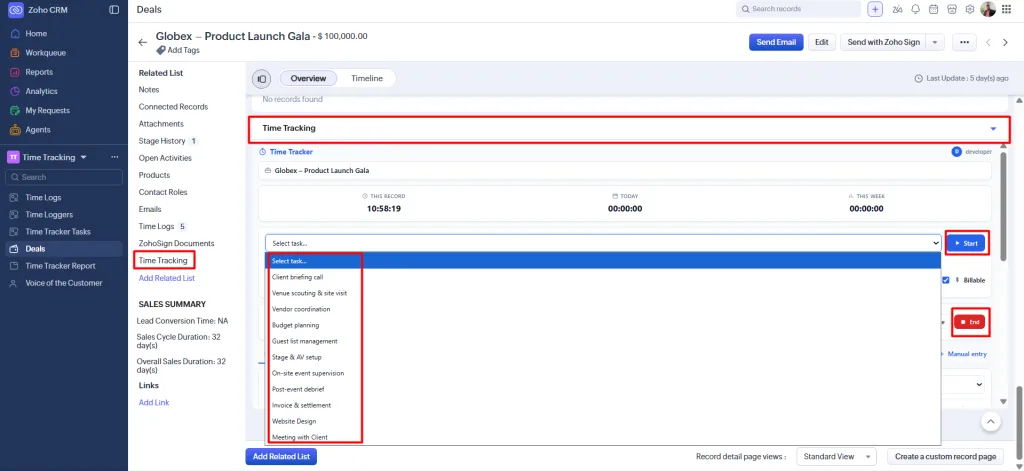
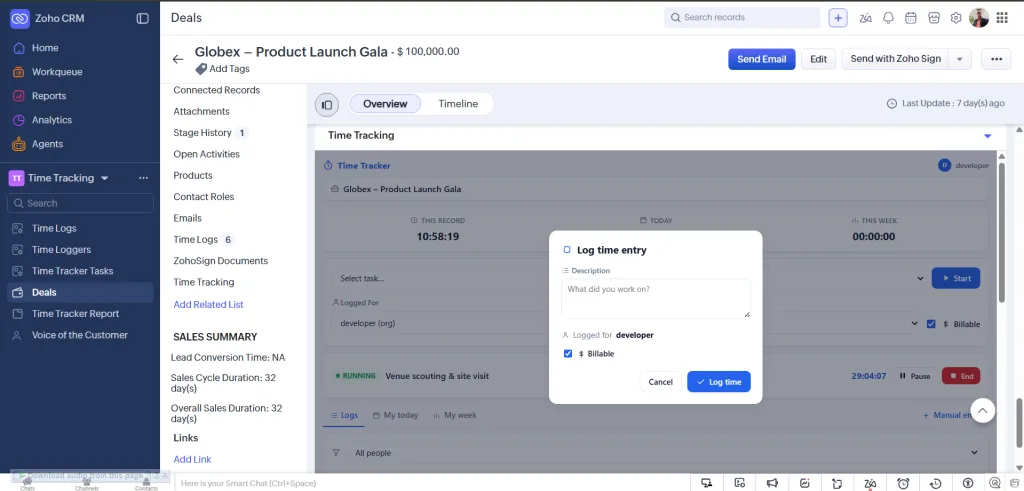
Time Tracker is a native Zoho CRM extension. It adds a lightweight time-tracking panel directly to your Deals, Leads, Contacts and Accounts — no external logins, no data leaving your CRM. Start a timer when work begins, pause it for interruptions, and stop it when you're done. Every entry is tied to the right record, the right person, and the right billable rate automatically.
What makes it different
How it works — from click to invoice
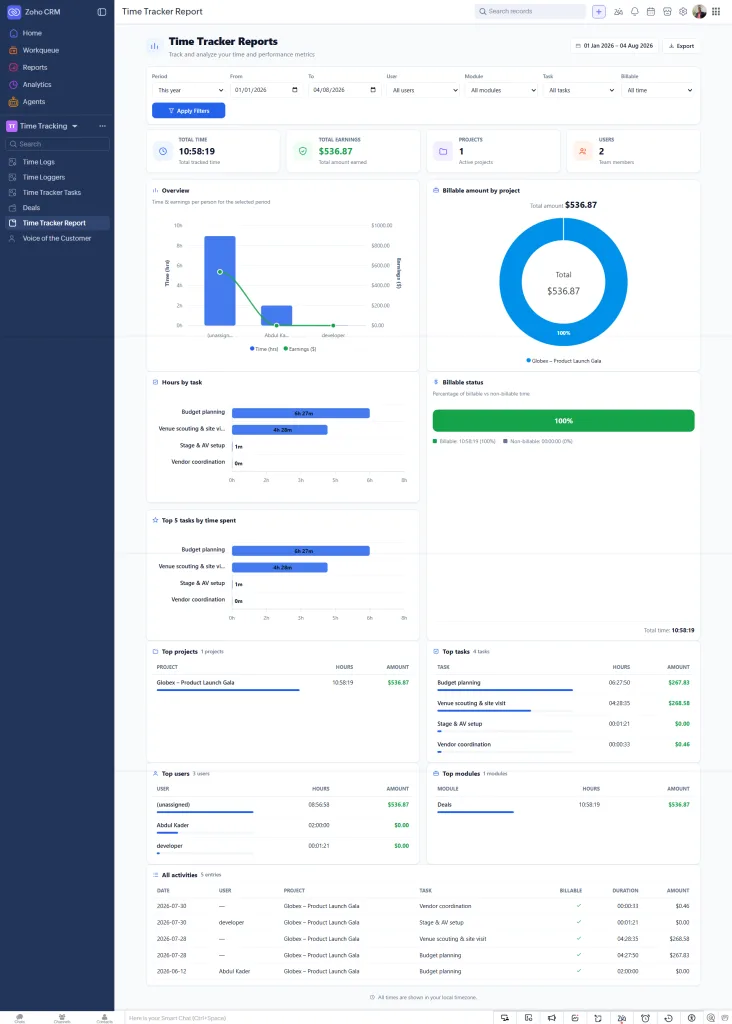
Reports that answer the questions you actually ask
The Reports tab turns raw time entries into the numbers that matter: total hours, total billable value, and how they break down across your team and your deals. Filter to a date range, a specific person, a module, or just billable time — the tiles, charts and tables all update together, and you can export the result for invoicing or payroll.
Your data stays in your CRM
Time Tracker runs entirely inside Zoho CRM as the signed-in user. Your time records live in your own CRM modules — nothing is shipped off to a third-party server to be tracked or resold. The only information that ever leaves your org is a simple install/uninstall notification (the installer's name and email), so we can support you. That's it.
Perfect for teams that bill by the hour